Tater: Farming
Last updated: 11/5/2026
About
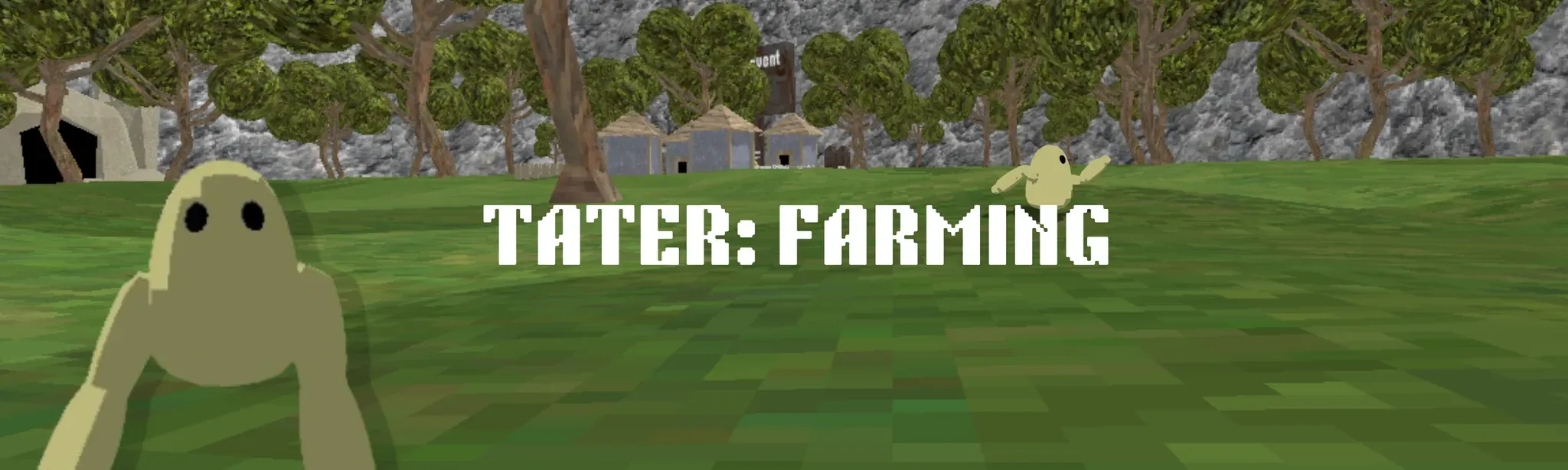
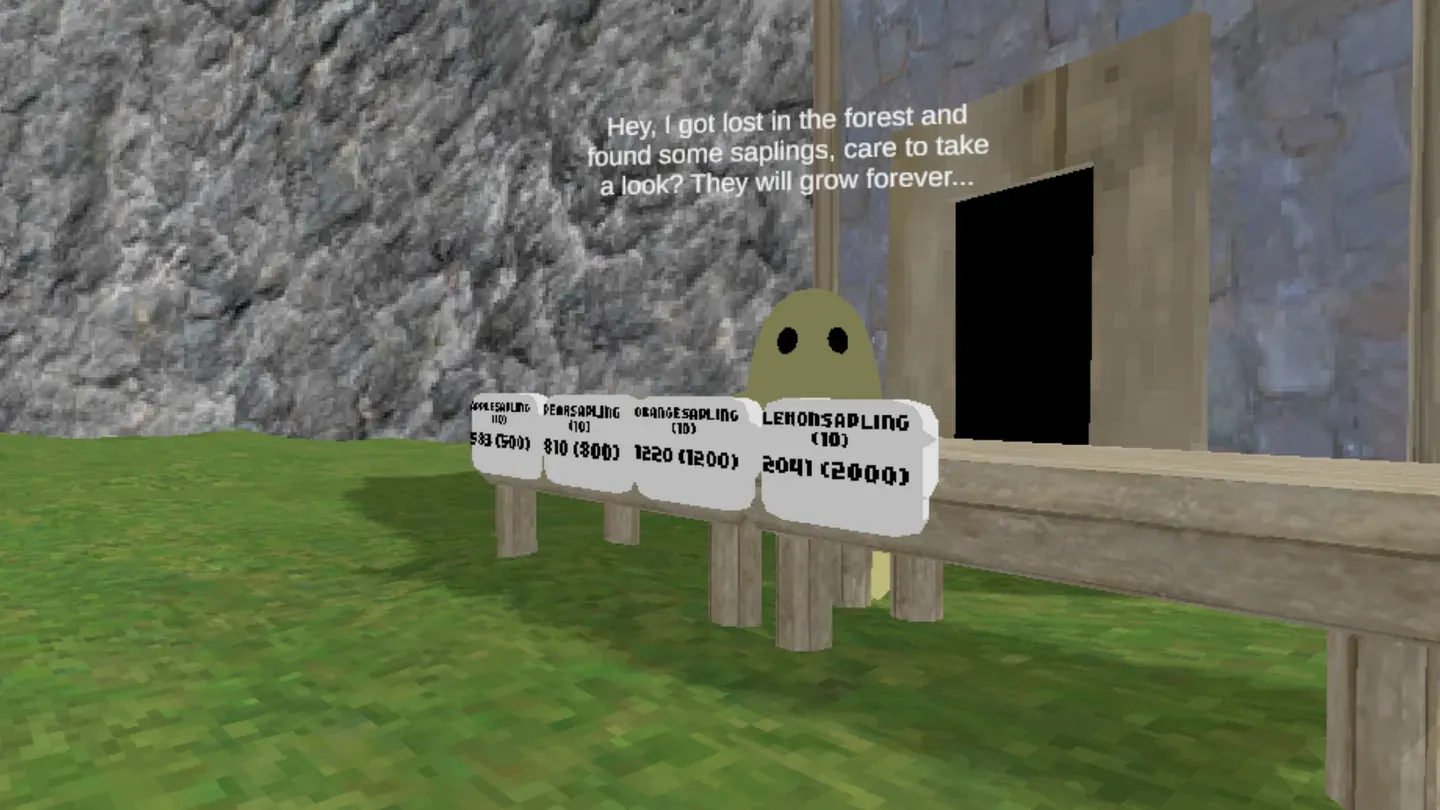
Tater: Farming is a VR farming game, you buy seeds grow and sell them for profit, there is a ton to explore! You can fish, chop trees, buy upgrades, or go mining while you wait for things to grow, inside certain areas there are monsters that will hunt you down with no mercy, hope you get, play, and...
Get Gibby's Guide - Free VR Digital Guide 📚
Join over 2 million Quest users who have downloaded the Meta Quest guide.
✓ 200+ Pages Of Content ✓ 300+ Curated Reviews ✓ 50 Amazing MR Experiences ✓ Power User Tips
Details
Version history
| Version | Uploaded | Seen on the store |
|---|---|---|
| 3.5 | Mar 30, 2026 | Mar 31, 2026 |
| 3.4 | Mar 30, 2026 | |
| 3.3 | Mar 30, 2026 | |
| 3.2 | Mar 29, 2026 | Mar 30, 2026 |
| 3.1 | Mar 29, 2026 | |
| 2.6 | Mar 14, 2026 | Mar 14, 2026 |
| 2.5 | Mar 12, 2026 | Mar 13, 2026 |
| 1.9 | Mar 9, 2026 |
Upload dates come from Meta; a build can reach the store weeks after upload. "Seen on the store" is when VRDB first recorded the version, which it has done since November 2024.
Ratings and reviews
All reviews are from verified owners of this app. Learn more about Meta's verified user reviewsNot Enough Reviews
6 ratings
3 reviews
Rating History
Tracking rating history started on November 8, 2024.
Additional Information
Get info about Bundles, Add-ons, Updates, Upcoming events and Privacy details
Learn more on the Meta store