Diazoma Browser
Last updated: 10/23/2026
About
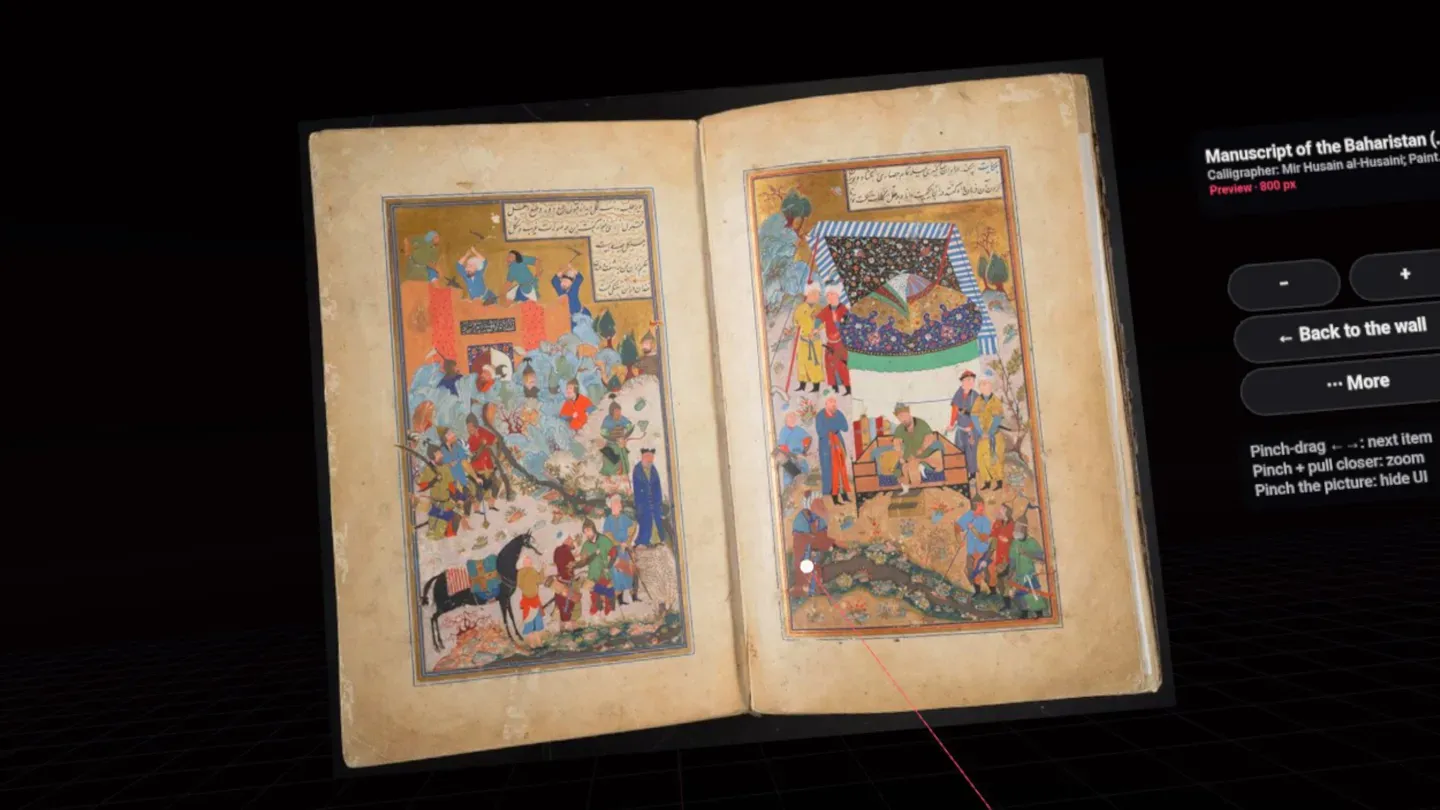
Diazoma Browser is a web browser for Meta Quest with one more button: it turns a page full of pictures into a curved wall you stand in front of, look around and open, with your controllers or your hands.
Browse as usual. When a page has a wall, the Diazoma button appears in the address bar. Press it and the pictures of the page, the museum collection or the archive come up around you in VR. Pull the trigger on a picture to open it....
Get Gibby's Guide - Free VR Digital Guide 📚
Join over 2 million Quest users who have downloaded the Meta Quest guide.
✓ 200+ Pages Of Content ✓ 300+ Curated Reviews ✓ 50 Amazing MR Experiences ✓ Power User Tips
Details
Price History
Price history tracked since November 2024. The chart shows USD prices.
Store changes
- Oct 23, 2026 First seen on the store
Ratings and reviews
All reviews are from verified owners of this app. Learn more about Meta's verified user reviewsRating History
Tracking rating history started on November 8, 2024.
Additional Information
Get info about Bundles, Add-ons, Updates, Upcoming events and Privacy details
Learn more on the Meta store