New Quest 3 or 3S? What to Do First in 2026
A new Meta Quest 3 or Quest 3S is easiest to start in a set order: charge it, pair it with your phone, set a safe play space, then try the free apps Meta made for new owners before you spend anything. This guide covers that first hour using Meta’s own setup pages, and ends with five paid games that suit a first-time player. Every price, rating and comfort level below is from each game’s VRDB page on November 8, 2026.
Before you start: charge the headset and get the Meta Horizon app
Meta’s setup guides for the Quest 3 and the Quest 3S both start the same way: charge the headset fully with the power adapter and cable from the box before first use. With that adapter in a wall outlet, a full charge takes about 2.5 hours. The light on the headset is orange while it charges and turns green when it is full.
While it charges, install the Meta Horizon app on your phone from Google Play or the Apple App Store. Meta’s setup page tells Quest 3, Quest 3S, Quest 2 and Quest Pro owners to set up through this app, and the Quest 3S guide says you need it only for the first setup and pairing, not every time you play. Sign in or create a Meta account in the app.
If the headset is for a child, check the age rules first. Meta says a child must be at least 10 to get a Meta account, that a parent or guardian must set up and manage the account of a child aged 10 to 12, and that people 13 and older can manage their own, with the ages varying by region (Meta Help Center).
Setting up your Quest 3 or 3S, step by step
Meta’s Quest 3 setup guide and Quest 3S setup guide both list the first five steps below. They differ on pairing, step 6.
- Remove the paper on the strap and the protective films on the lenses.
- Turn the headset on by holding the power button on its left side for three seconds.
- Pull the paper tab out of each controller to remove its battery blocker, then fasten the wrist straps.
- Turn the controllers on by holding the Menu button on the left controller and the Meta button on the right one. A blinking white light and a vibration tell you they are on.
- Put the headset on and follow the in-headset tutorial, which has you choose a language and connect to Wi-Fi.
- Pair the headset with your phone in the Meta Horizon app. The Quest 3 guide says to open Menu, then Devices, add a new headset and pick Meta Quest 3, with your phone’s Bluetooth turned on. The Quest 3S guide tells new users to follow the prompts on screen, and gives the Menu, Devices path only to people who already have a Quest.
Meta’s Quest 3 guide adds one warning: connect the headset to a charger before you do any software update.
If you wear glasses, the Quest 3S comes with a glasses spacer (Meta Help Center). On the Quest 3, buttons inside the facial interface let you slide it closer to or further from your face (Meta Help Center).
For fit, the Quest 3 guide walks through the straps: loosen the back and top straps, pull the headset over the back of your head, tighten the split strap, then adjust the top strap to take pressure off your face. Both guides say that after the first update you can open the accessibility settings during setup by pressing the Meta button on the right controller three times.
Set up a safe play space with the boundary

Image: Meta, from the Meta newsroom.
The boundary is the Quest’s safety system: it shows a wall in the headset when you get close to the edge of your play area. Meta’s boundary help page describes two kinds:
- Stationary, for playing seated or standing in one spot. By default it is an area of 3 feet by 3 feet (1 meter by 1 meter) centered on you.
- Roomscale, for games where you move around. You trace the edge of a clear floor area with a controller, and Meta recommends at least 6.5 by 6.5 feet (2 by 2 meters) with nothing in the way.
To draw a new boundary, press the Meta button on the right controller, then go to Quick Controls, Settings, Environment setup, Boundary and Create new boundary. Clear the floor of anything you could trip on before you play.
The free starter apps Meta made for new Quest owners
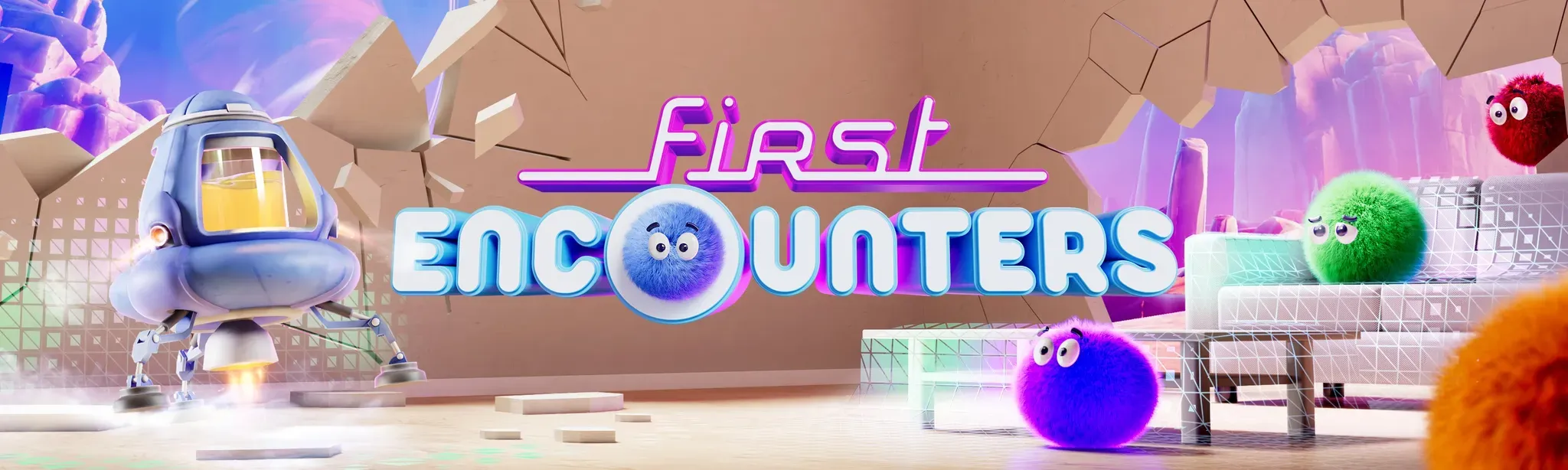
Meta’s Help and Tips app, which you open from your library, has a Tutorials tab that links to three beginner experiences: First Hand, First Encounters and First Steps. All three are free on the Meta store, as their VRDB pages below show.
First Steps: learn the controllers
First Steps is a short experience that teaches you the controllers. It is free, rated Comfortable and Everyone, needs no internet connection, and holds a 4.8 rating from 999 ratings. It runs on the Quest 3, Quest 3S and older Quest headsets (VRDB).

First Encounters: mixed reality in your own room
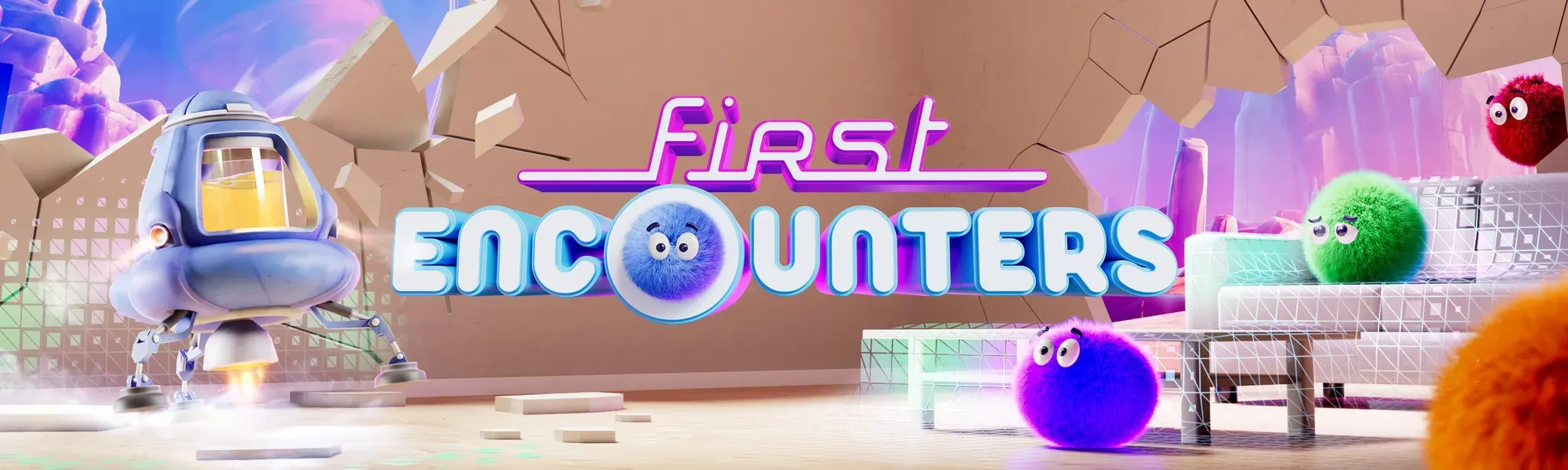
First Encounters is Meta’s mixed reality game for Quest 3 and Quest 3S. You see your real room through the headset while small creatures called puffians pour in, and you catch as many as you can before time runs out, matching colors for a higher score. It is free, rated Everyone, has a 4.3 rating from 1.0K ratings, is listed for room-scale play, and its comfort level is Unrated (VRDB).
First Hand: play with your bare hands
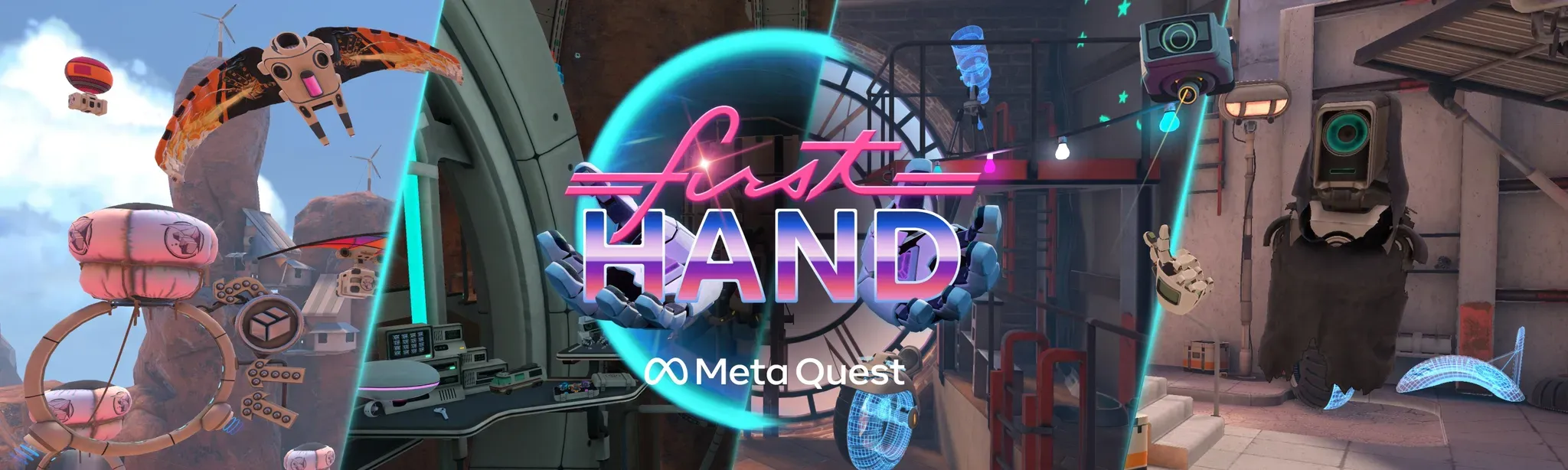
First Hand is Meta’s hand tracking demo: you put the controllers down and use switches, levers and virtual menus with your hands to solve puzzles and build robotic gloves. It is free, rated Comfortable and Everyone, and can be played sitting or standing (VRDB). Hand tracking must be on first. Press the Meta button, then go to Quick Controls, Settings, Hands and body, and turn on Hand and body tracking (Meta Help Center).
Free Quest games to download next
Once the starter apps feel easy, try these free games. All three are online multiplayer games, need an internet connection, and sell optional extras inside the game.
- Gym Class covers basketball, boxing, football, soccer, baseball and paintball in large multiplayer worlds. It has a 4.8 rating from 54.7K ratings and is rated Comfortable and Everyone, so it is the easiest of the three for a beginner (VRDB).
- Gorilla Tag moves you by pushing your hands against the ground and walls, with no buttons or sticks. It has 173.8K ratings at 4.4 and is rated Everyone, but its comfort level is Moderate (VRDB).
- Animal Company is a multiplayer survival game with monsters and gadgets, rated Teen and Moderate, with a 4.8 rating from 221.1K ratings (VRDB).
Meta advises new users to start with games rated Comfortable before trying Moderate, Intense or Unrated ones (Meta Help Center). For 14 more picks by genre, see our guide to the best free Quest games in 2026.
The first paid Quest games worth buying
For a first purchase, this list keeps paid games that Meta rates Comfortable, that have more than 10,000 ratings at 4.5 stars or better, and that do not need an internet connection. Five games that fit are below. None of them was on sale on November 8, 2026, and every one has been cheaper before: the lowest tracked price is the lowest VRDB has recorded since November 2024.
| Game | Price | Lowest tracked price | Rating (ratings) | Age rating |
|---|---|---|---|---|
| Beat Saber | $19.99 | $14.99 (September 23, 2026) | 4.5 (53.4K) | Everyone |
| The Room VR: A Dark Matter | $24.99 | $7.99 (December 16, 2025) | 4.9 (14.7K) | Everyone |
| Walkabout Mini Golf | $24.99 | $7.99 (December 16, 2024) | 4.8 (14.5K) | Everyone |
| Waltz of the Wizard | $19.99 | $9.99 (December 16, 2024) | 4.8 (24.3K) | Teen |
| Pistol Whip | $29.99 | $11.99 (June 26, 2026) | 4.8 (10.0K) | Teen |
Beat Saber
In Beat Saber you slash, duck and dodge to music, matching the color and direction of each incoming note. It has single-player and multiplayer modes and is cross-buy. It costs $19.99, and its lowest tracked price is $14.99, from September 23, 2026 (VRDB).

The Room VR: A Dark Matter
The Room VR: A Dark Matter is a puzzle adventure from Fireproof Games that starts in London in 1908, with a missing Egyptologist and a police investigation. It can be played seated, and HowLongToBeat users (80 of them) put the main story at about four hours. It costs $24.99, with a lowest tracked price of $7.99 from December 16, 2025 (VRDB).

Walkabout Mini Golf
Walkabout Mini Golf from Mighty Coconut has 14 courses of 18 holes each, with more sold as add-ons, and you can play alone or with others. It costs $24.99 and has been as low as $7.99, on December 16, 2024. It is also in the Meta Horizon+ Games Catalog (VRDB).

Waltz of the Wizard
Waltz of the Wizard from Aldin is a wizard sandbox set, in its store text’s words, in “a world where characters can talk to you and have thousands of reactions”. It supports seated play and mixed reality, and is cross-buy. It costs $19.99, with a lowest tracked price of $9.99 from December 16, 2024 (VRDB).

Pistol Whip
Pistol Whip from Cloudhead Games is a physical action rhythm game that mixes film-inspired gunplay with music. Its store text says it won VR game of the year at the 2020 DICE Awards. It costs $29.99, has been as low as $11.99 on June 26, 2026, and is in the Meta Horizon+ Games Catalog (VRDB).

For a longer list ranked by player ratings, see the best paid Quest games in 2026.
Ways to pay less for your first Quest games
- Check the price history. Every game page on VRDB shows the current price next to the lowest tracked price, and the on-sale page lists the Quest games on sale on any given day. Our guide to checking a Quest sale’s price history explains how to read it.
- Try Meta Horizon+. The subscription costs $7.99 a month or $59.99 a year, and Meta offers a one-month trial, with eligibility and auto-renewal terms. It includes a catalog of more than 100 games plus two games a month to add to your library (Meta Quest blog, October 30, 2026). VRDB’s Horizon+ page lists the catalog games.
- Know the refund rule. You can ask Meta for a refund on a game within 14 days of buying it if you have played it for less than two hours. In-app purchases and subscriptions cannot be refunded (Meta Help Center).
More Quest 3 and 3S guides: battery, PC VR and charts
- Battery: Meta says a Quest 3 lasts 2.2 hours on average. Our Quest 3 and 3S battery guide covers how to make a charge last longer.
- PC VR: a Quest can also play PC games. Our guide to playing PC VR games on a Quest compares four ways to connect.
- Popular games and charts: VRDB’s charts track the Meta store’s Top Selling and Most Popular lists each day, and the Meta Quest 3 page and Meta Quest 3S page collect games for each headset.
